

Sindri
Asgard Agents Hub
- OdinAsgard Studio
- IT sets an agent's prompt, the semantic models it can query, and the MCP servers and skillsets it can call in Odin, then publishes it to Sindri. Sindri has no screens for building agents.
- ProjectIn Sindri
- Each project has its own published agents. Switching projects switches the agents you can use.
- Conversation workspaceSandbox
- Agents query, compute and read or write files in a sandbox behind the conversation. The Files panel lets you browse, upload and download those files.
- Approval
- When an agent is about to write back to a system, an approval dialog shows the tool it wants to call and the exact input. Whoever holds the permission picks one: allow for this conversation, allow once, or deny. On a denial, nothing in the system changes.
- Routines
- Work finished in Sindri can be saved as a routine that runs on a schedule. When a run fails, Sindri notifies whoever owns it.
- Wrong answers become test questionsContinuous improvement
- An answer a user marks wrong becomes a rule and a new question in the test set. After a skill change the whole set runs again, and the change ships only if the total score improves.
- Delegation@ an agent
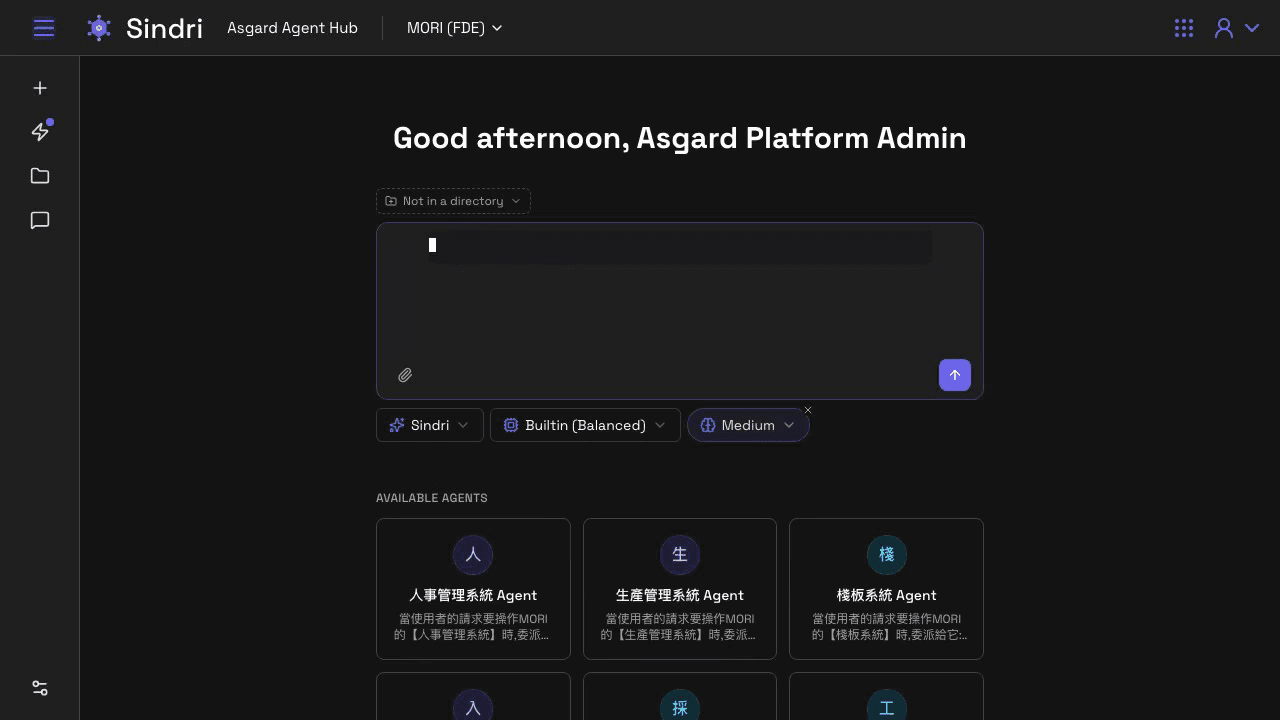
- Type @ to pull a named agent into the conversation. When you name no agent, Sindri routes the question to a suitable agent based on each agent's description.
- Sub-agentsSubagents
- When a job is too large, Sindri splits it across sub-agents and collects the results. Every step the agent takes is one click away.
Computer Use
Agents in internal systems
- 01
One message
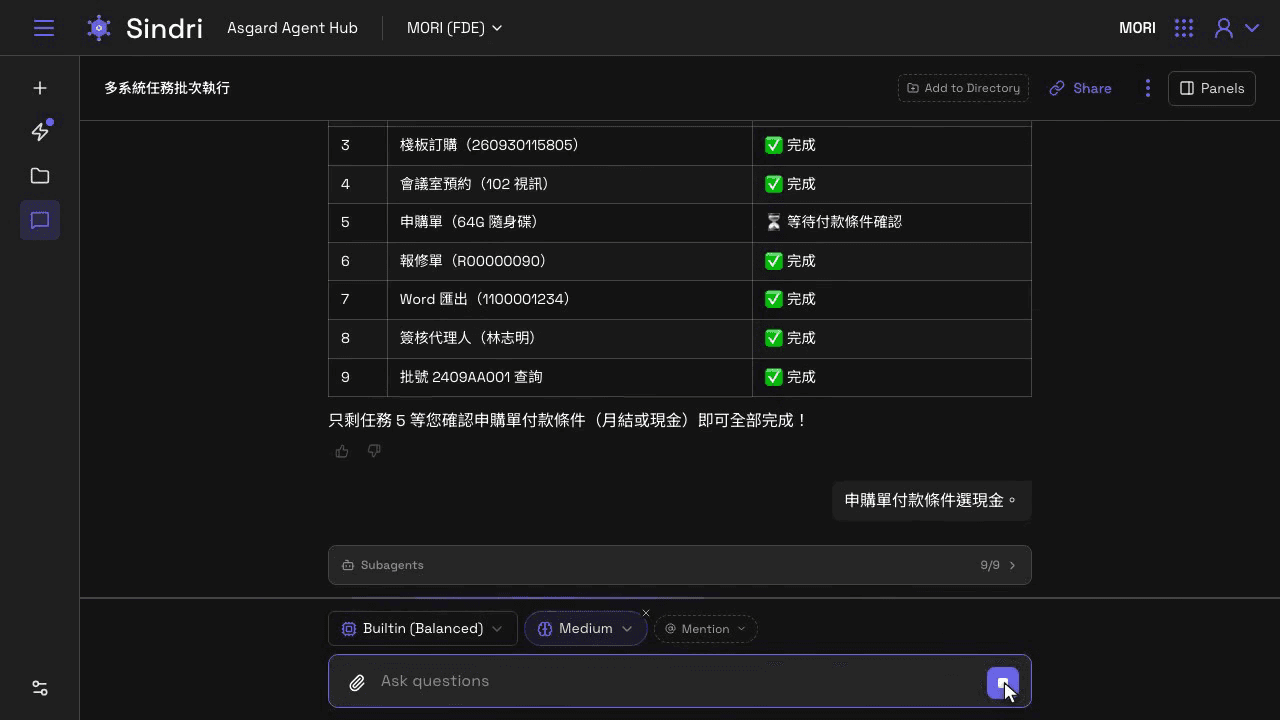
A materials manufacturer built 14 internal web systems of its own. The platform runs 9 system agents, one per system. One message in Sindri hands off nine tasks: leave, work reporting, pallet orders, meeting rooms and more. - 02
The person's permissions
The agent opens a browser to the portal and asks the person to sign in. Then the agent works with that person's permissions. It cannot see anything the person could not. - 03
API or browser
The nine tasks go to nine system agents at once. APIs where they exist, the browser where they do not. - 04
Approval before writing
Missing information is asked for with an option card. Anything that writes back stops for approval.
Product
Sindri in action
1 / 3
Arrow keys or swipe
EXTENSIONS
Systems to connect
- AirtableAirtable
- ClickUpClickUp
- ConfluenceAtlassian
- CWA Open DataCentral Weather Administration (CWA), Taiwan
- Digiwin ERP Semantic ModelDigiwin
- DropboxDropbox
- ECPayECPay
- FlowiseFlowiseAI
- GmailGoogle
- Google BigQueryGoogle
- Google CalendarGoogle
- Google DriveGoogle
- HubSpotHubSpot
- IntercomIntercom
- JiraAtlassian
- monday.commonday.com
- n8nn8n
- NetSuiteOracle
- NewebPayNeweb Technologies
- NotionNotion
- OneDriveMicrosoft
- SalesforceSalesforce
- TDCC OpenDataTaiwan Depository & Clearing Corporation



















Start here
Book a two-hour workshop
AI feasibility review of a live workflow